
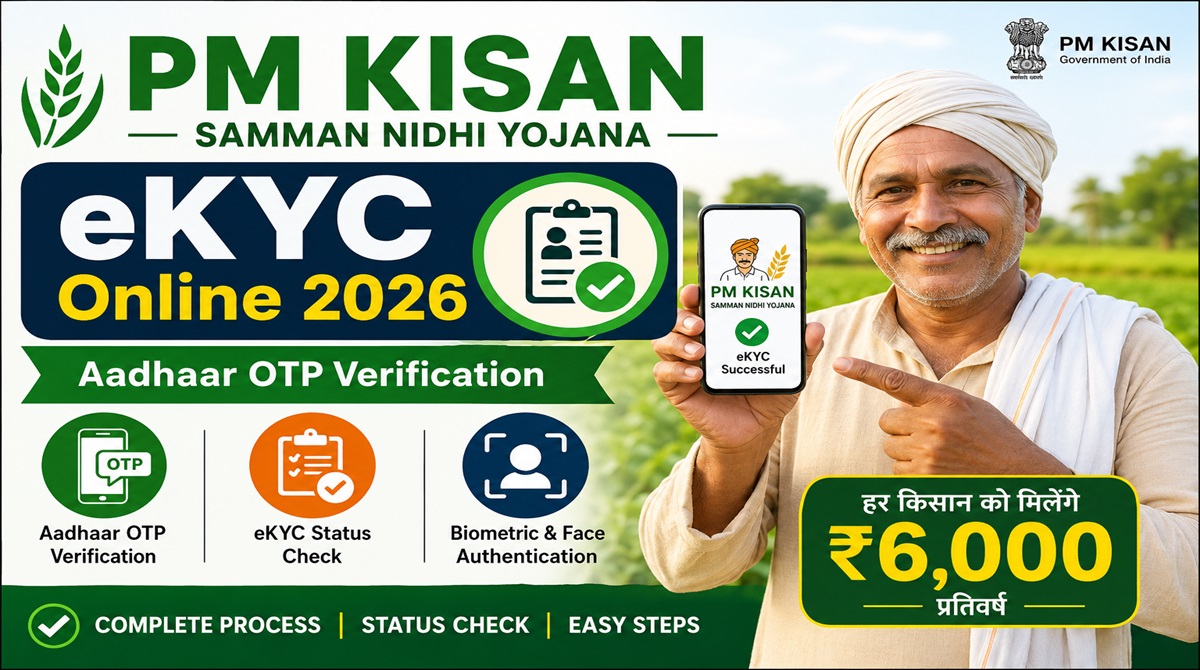
Complete PM Kisan eKYC Online 2026 through Aadhaar OTP verification. Learn how to do PM Kisan eKYC, check PM Kisan eKYC status, solve OTP issues, and receive upcoming PM Kisan installments without interruption.
PM Kisan eKYC Online 2026: Complete Guide for Aadhaar OTP Verification and Status Check
The PM Kisan Samman Nidhi Yojana is one of India’s most important farmer welfare schemes. Under this scheme, eligible farmers receive financial assistance of ₹6,000 every year directly into their bank accounts. To continue receiving installments without interruption, the Government of India has made PM Kisan eKYC mandatory for all registered beneficiaries.
Many farmers are facing payment delays because their eKYC has not been completed or verified successfully. If you are a PM Kisan beneficiary, this detailed guide will help you understand how to complete PM Kisan eKYC online, check your eKYC status, solve common problems, and ensure that your future installments are credited on time.
What is PM Kisan eKYC?
PM Kisan eKYC is an electronic Know Your Customer verification process that links a beneficiary’s Aadhaar details with the PM Kisan database. This verification helps the government identify genuine beneficiaries and prevent duplicate or incorrect payments.
Without completing eKYC, farmers may face issues such as:
- Pending installment payments
- Beneficiary status rejection
- Aadhaar verification errors
- Payment transaction failures
- Removal from the beneficiary list
Why is PM Kisan eKYC Online 2026 Important?
The Government of India has made eKYC mandatory for all PM Kisan beneficiaries. Farmers who fail to complete eKYC may not receive future installments under the PM Kisan Yojana.
Benefits of completing eKYC include:
- Faster installment processing
- Accurate Aadhaar verification
- Reduced payment failures
- Secure beneficiary identification
- Continued eligibility under PM Kisan
Also Read This:
PM Kisan eKYC Methods Available
Beneficiaries can complete eKYC using any of the following methods:
1. Aadhaar OTP Based eKYC
This is the easiest method and can be completed online from home if your mobile number is linked with Aadhaar.
2. Biometric Based eKYC
Farmers can visit their nearest CSC (Common Service Centre) for biometric authentication.
3. Face Authentication eKYC
Beneficiaries can use the PM Kisan mobile application and Aadhaar Face Authentication facility to complete verification.
How to Complete PM Kisan eKYC Online?
Follow the step-by-step process below:
Step 1: Visit Official PM Kisan Portal
Open the PM Kisan official website.
Step 2: Go to Farmers Corner
On the homepage, locate the “Farmers Corner” section.
Step 3: Click on eKYC
Select the “eKYC” option.
Step 4: Enter Aadhaar Number
Provide your 12-digit Aadhaar number carefully.
Step 5: Verify Mobile Number
Enter the mobile number linked with your Aadhaar card.
Step 6: Receive OTP
Click on “Get OTP” and wait for the verification code.
Step 7: Submit OTP
Enter the OTP received on your mobile number.
Step 8: Complete Verification
After successful verification, your PM Kisan eKYC process will be completed.
How to Check PM Kisan eKYC Status?
After completing eKYC, you should verify whether your status has been updated successfully.
Steps to Check Status
- Visit the PM Kisan portal.
- Open Farmers Corner.
- Click on eKYC Status or Beneficiary Status.
- Enter your Aadhaar number.
- Submit the details.
- View your current eKYC status.
If your status shows “Completed” or “Verified,” no further action is required.
Common PM Kisan eKYC Problems and Solutions
OTP Not Received
Possible Reasons:
- Mobile number not linked with Aadhaar
- Network issues
- Server load
Solution:
- Verify Aadhaar-linked mobile number.
- Try again after some time.
- Visit a CSC center if the issue continues.
Aadhaar Authentication Failed
Possible Reasons:
- Incorrect Aadhaar details
- Name mismatch
- Date of birth mismatch
Solution:
- Update Aadhaar information.
- Ensure PM Kisan records match Aadhaar details.
Invalid Beneficiary Status
Possible Reasons:
- Land record mismatch
- Pending verification
- Incomplete registration
Solution:
- Contact local agriculture department.
- Update pending records immediately.
Who Needs to Complete PM Kisan eKYC?
The following beneficiaries must complete eKYC:
- Existing PM Kisan beneficiaries
- New PM Kisan applicants
- Farmers with pending verification
- Beneficiaries whose payments are on hold
Documents Required for PM Kisan eKYC
Keep the following documents ready:
| Document | Requirement |
|---|---|
| Aadhaar Card | Mandatory |
| Aadhaar Linked Mobile Number | Mandatory |
| PM Kisan Registration Number | Optional |
| Internet Connection | Required for Online eKYC |
Benefits of PM Kisan Scheme
PM Kisan provides direct financial support to eligible farmer families.
Key Benefits
- ₹6,000 annual financial assistance
- Direct Benefit Transfer (DBT)
- No middlemen involvement
- Improved farming support
- Better rural financial security
How to Check PM Kisan Beneficiary Status?
You can verify your beneficiary status by:
- Aadhaar Number
- Registration Number
- Mobile Number
The beneficiary status page helps farmers track payment history, installment details, and eligibility status.
Important Tips for PM Kisan eKYC
- Always use the official PM Kisan portal.
- Ensure Aadhaar and mobile number are linked.
- Verify personal details before submission.
- Keep your registration number safe.
- Complete eKYC before the next installment release.
Frequently Asked Questions (FAQs)
Is PM Kisan eKYC mandatory?
Yes. All registered PM Kisan beneficiaries must complete eKYC to continue receiving installments.
Can I complete PM Kisan eKYC from my mobile?
Yes. OTP-based eKYC can be completed using a smartphone if your mobile number is linked with Aadhaar.
What if my Aadhaar mobile number is not linked?
You will need to update your Aadhaar mobile number or visit a CSC center for biometric verification.
How long does PM Kisan eKYC take?
OTP-based verification usually takes only a few minutes.
Can I check my eKYC status online?
Yes. Beneficiaries can check their PM Kisan eKYC status through the official portal.
What happens if I do not complete eKYC?
Your PM Kisan installment may be delayed, withheld, or rejected.
PM Kisan eKYC is an essential verification process for every beneficiary of the PM Kisan Samman Nidhi Yojana. Completing eKYC ensures that your Aadhaar information is verified and your future installments are credited without interruption. Whether you choose OTP verification, biometric authentication, or face authentication, completing eKYC as soon as possible will help you avoid payment delays and maintain eligibility under the scheme.
Important Links
| Description | Link |
|---|---|
| PM Kisan Official Website | https://pmkisan.gov.in |
| PM Kisan eKYC Online | https://pmkisan.gov.in |
| PM Kisan Beneficiary Status Check | https://pmkisan.gov.in |
| PM Kisan New Farmer Registration | https://pmkisan.gov.in |
| PM Kisan Beneficiary List | https://pmkisan.gov.in |
| PM Kisan Help Desk | 155261 / 011-24300606 |
| PM Kisan Email Support | pmkisan-ict@gov.in |
Farmers are advised to regularly check their beneficiary status and keep their Aadhaar-linked mobile number active to receive important updates related to PM Kisan payments.
